


Hey AI Breakers 👋
OpenAI just dropped a new product called ChatGPT Atlas, a browser that merges ChatGPT with Chrome.
Think of it as your AI-powered workspace where you can search, research, and write all in one place.
In today’s tutorial we’ll show you 3 practical things you can do right now with Atlas to improve your workflow.
Let’s start!

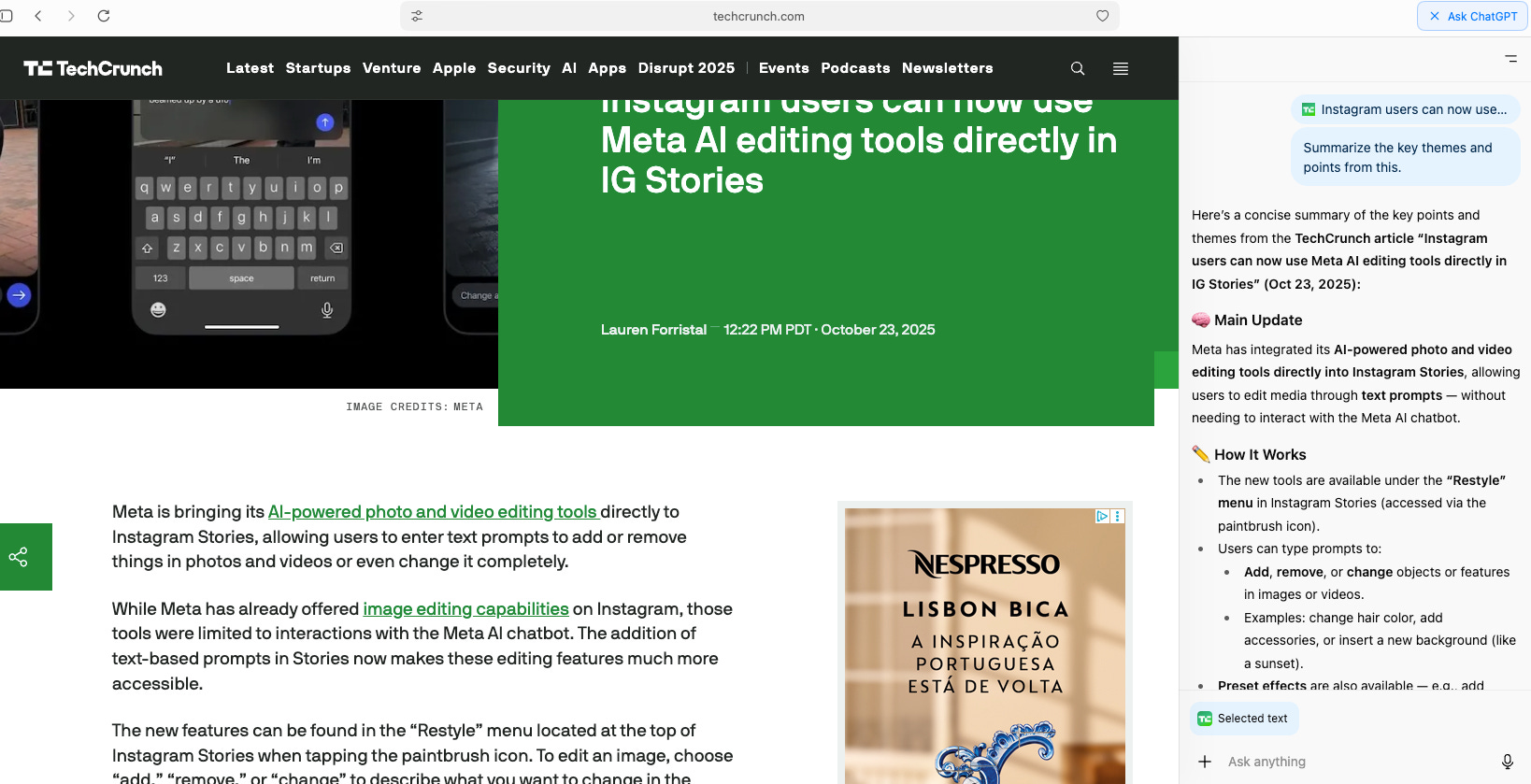
1️⃣ Summarize Any Web Page Instantly
Forget switching tabs or copy-pasting content.
With Atlas, ChatGPT automatically knows the page you’re on, so you can ask:
Prompt:
“Summarize this page in 5 bullet points with key takeaways and one actionable insight.”
Or get creative:
“Turn this article into a LinkedIn post with a conversational tone and 3 emojis.”
🧠 Use it for: news analysis, market research, or turning articles into content.
⚠️ Quick heads-up: We just launched the AI Break Discount Portal 🎉 → 600+ exclusive discounts on top AI tools (the ones you already use!). It can easily cover your membership cost.
ps: if you are a paid subscriber already check the email we sent yesterday with access instructions


