☕🤖 Tutorial: Unlock Better Image Prompts with This Simple AI Trick
PLUS: Step by step tutorial inside...


Hey everyone,
Today we are sharing a fast and clever trick to help you create amazing prompts for image generation.
If you’ve ever found it tough to write the perfect prompt from scratch, this reverse engineering method will save you time and boost your results.
Let’s dive in!
The AI Image Generation Struggle
Creating the perfect prompt for AI image generators can feel like learning a new language. You need to consider:
Subject descriptions
Style specifications
Lighting details
Composition elements
Technical parameters

The Trick: Reverse Engineering Image Prompts
Most people waste hours tweaking prompts to get the right image. Instead, use existing images as inspiration to let AI craft detailed, optimized prompts for you.
The process is simple:
Choose an Image: Pick a reference image that captures the style, mood, or elements you want to recreate. This could be from:
Stock photo sites
Social media
Art platforms
Google Images
Your own photo collection

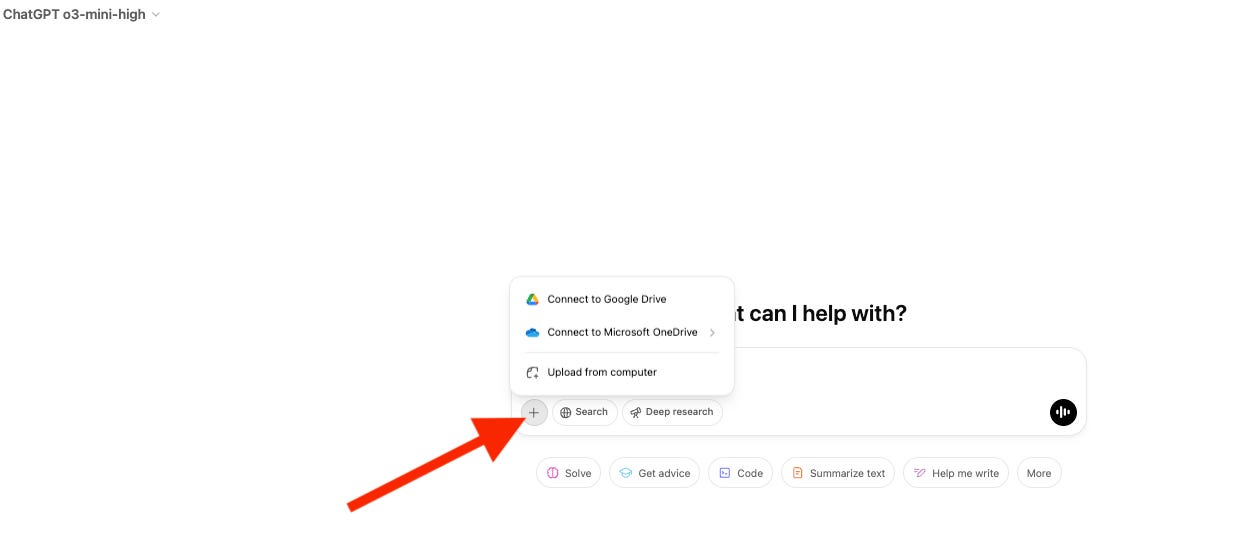
Upload and Analyze: Import the image into an AI tool like ChatGPT, Claude or Deepseek.

Generate a Detailed Prompt: Ask the AI to provide a detailed description of the image. This description becomes your prompt for generating similar images.