
☕🤖Tutorial: Turn ChatGPT Into Your Chief of Staff (Runs Your Week in 30 Minutes)
PLUS: everything you need + all prompts inside...


Hey AI Breakers 👋 Most founders don’t need more productivity hacks.
They need someone to:
turn chaos into priorities
protect their calendar
chase loose ends
prep meetings
remind them what actually matters this week
That’s literally what a Chief of Staff does.
And with the right system, ChatGPT can now handle 80% of the job in 30 minutes per week.
Today you’ll build an AI Chief of Staff that:
✅ plans your week
✅ turns goals into tasks
✅ schedules your time blocks
✅ writes your updates + follow-ups
✅ keeps you accountable (without nagging)
Let’s build it 👇

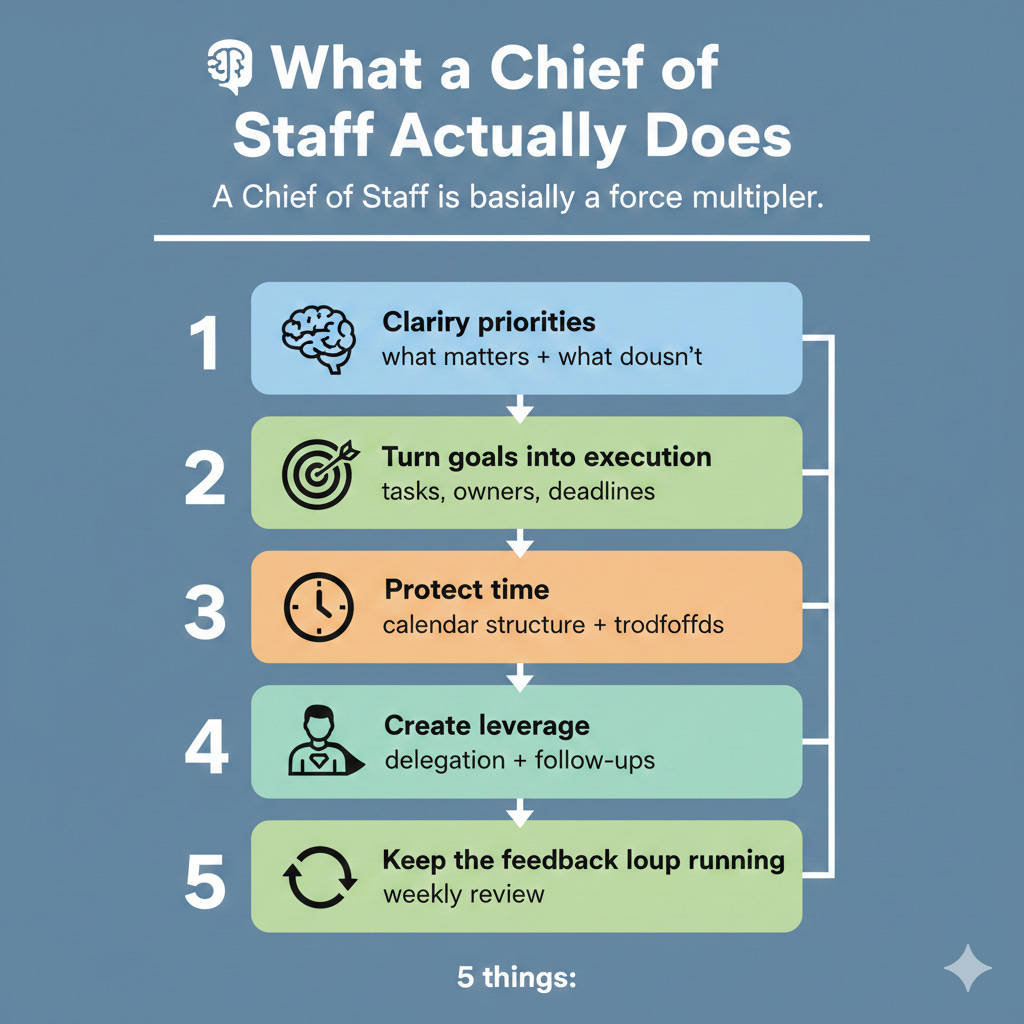
🧠 What a Chief of Staff Actually Does
A Chief of Staff is basically a force multiplier.
They do 5 things:
Clarify priorities (what matters + what doesn’t)
Turn goals into execution (tasks, owners, deadlines)
Protect time (calendar structure + tradeoffs)
Create leverage (delegation + follow-ups)
Keep the feedback loop running (weekly review)
We’re going to build the same thing using 6 prompts 👇
🧱 Prompt #1 - The Weekly Intake (dump everything, get clarity)
Before any planning happens, your Chief of Staff needs inputs.
This prompt takes your brain dump (tasks, ideas, commitments, worries) and turns it into a structured list.
✅ Use this every Monday morning (or Sunday night).
Prompt:
You are my Chief of Staff. I’m going to paste a messy weekly brain dump.

Your job:
1. Extract every task, commitment, meeting, and open loop
2. Categorize them into:
-- Revenue / Growth
-- Delivery / Client work
-- Ops / Admin
-- Team / Hiring
-- Content / Brand
-- Personal
3. Flag anything that is unclear and ask follow-up questions (max 5)
4. Create a clean “Task List” with:
-- task
-- urgency (High/Med/Low)
-- impact (High/Med/Low)
-- estimated time
-- dependency (if any)

Here is the brain dump:
[paste]

Output in a clean table.
🧠 Tip: Include your calendar events and any deadlines. That makes the plan realistic.
🎯 Prompt #2 - The Priority Picker (choose the 3 that matter)
Most people plan weeks by listing tasks.
A Chief of Staff plans by choosing outcomes.
This prompt forces you into 3 weekly priorities and ties everything else to them.
✅ Use right after Prompt #1.
Prompt:
You are my Chief of Staff and you optimize for outcomes, not busywork.

Here is my task list:
[paste output from Prompt #1]

My weekly goals are:
[1–3 goals, e.g., close 2 clients, ship 2 lessons, hire contractor]

Constraints:
- Total deep work hours available: [e.g., 12]
- Meetings already scheduled: [paste rough count or list]
- Energy pattern: [morning deep work / afternoon admin]

Task:
1. Pick the Top 3 priorities for the week (highest leverage)
2. For each priority:
-- define “done” clearly
-- list the 3–7 tasks required
-- identify what to delegate or drop
3. Create a “Not Doing This Week” list (at least 5 items)

Make it decisive and realistic.
💡 Pro tip: If everything feels urgent, you don’t have priorities. You have anxiety.
🗓️ Prompt #3 - The Weekly Time Blocker (calendar that protects focus)
Now we turn priorities into time blocks.
This is where most plans die:
They ignore real time.
This prompt builds a time-blocked week that protects deep work and batches shallow tasks.
✅ Use this once per week.
Prompt:
You are my Chief of Staff and expert in time-blocking.

Top 3 priorities:
[paste from Prompt #2]

My constraints:
- Work days: [Mon–Fri]
- Working hours: [e.g., 9:00–18:00]
- Meeting constraints: [e.g., no meetings before 11am]
- Existing fixed events: [paste calendar blocks or list times]
- Preferred deep work windows: [e.g., 9–11:30]

Create a weekly schedule with:
- 3–5 deep work blocks (protected)
- 2 batching blocks for admin/comms
- 1 content block (if relevant)
- 1 buffer block for overflow
- One weekly review block (30 mins)

Output as:
- Monday: time blocks + what you’ll do
- Tuesday: …
(keep it scannable)

Also include:
- the “rules” for the week (e.g., no Slack until 11am)
🧠 Tip: If you don’t schedule the work, you’re scheduling failure.
🧩 Prompt #4 - The Delegation + Follow-Up Engine (stop holding everything in your head)
A Chief of Staff makes sure tasks don’t die after you assign them.
Use this to generate:
delegation messages
check-in reminders
follow-up templates
✅ Use this any time you hand something off to a VA, contractor, teammate, or even a client.
Prompt: