
☕🤖 Tutorial: From Idea to Live Landing Page in 30 Minutes With AI
PLUS: The exact prompts that get results on the first try...


Hey AI Break fam 👋 Luis & Rui here.
Landing pages used to take weeks to build. Either you learn Webflow, pay a developer, or settle for a boring template.
Not anymore. With AI, you can go from idea to live landing page in under 30 minutes.
Let’s build 👇

What You Will Learn
In this tutorial you will learn how to:
Structure your landing page for conversions before writing a single prompt
Write prompts that produce clean, usable code on the first try
Use visual references to guide the AI’s design choices
Go from generated code to live website in minutes
Iterate and refine without starting from scratch
🛠️ Tools We’ll Use
ChatGPT, Claude, or Gemini — For planning your structure and writing your copy
Google AI Studio (Gemini 3 Pro) — For building the actual landing page
Dribbble — For design inspiration
GitHub — To store your code
Netlify — To deploy and put it live
🧠 Step 1: Plan Before You Prompt
The biggest mistake? Opening Google AI Studio and typing “build me a landing page.”
Gemini will give you something. But it’ll be generic, full of placeholder text, and you’ll spend an hour fixing it.
Spend 5 minutes planning first.
Decide on your structure:
A high-converting landing page typically has:
Hero - Headline, subheadline, and one clear CTA
Benefits/Features - 3-4 specific outcomes (not vague promises)
Social Proof - Testimonials, logos, or numbers
FAQ - Handle common objections
Final CTA - Repeat your main call-to-action
You don’t need all of these. A simple email capture page might just be Hero + Benefits + CTA. But knowing the options helps you decide.
Quick planning prompt (use ChatGPT or Claude for this):
I’m building a landing page for: [describe your product/offer]

Target audience: [who it’s for]
Primary goal: [email signup / purchase / book a call]

Based on this, recommend:
1. Which sections I need (keep it focused, not cluttered)
2. What each section should contain
3. The order they should appear

Keep it simple. I want a page that converts, not a page that impresses designers.
💡 Goal: Know exactly what you’re building before you touch any AI tool.
✍️ Step 2: Write Your Copy First
Here’s what separates good landing pages from forgettable ones: specific copy.
Don’t let AI write your headlines from scratch. It’ll give you something like “Welcome to the Future of Productivity.” Boring.
Write your copy first. Then feed it to Google AI Studio with the design.
Use this prompt to draft your copy:
You’re a conversion copywriter. Write landing page copy for:

WHAT I’M OFFERING: [Your product/service]
WHO IT’S FOR: [Target audience]
MAIN OUTCOME: [The #1 result they get]
WHAT MAKES IT DIFFERENT: [Your unique angle]

Write:
1. 3 headline options (under 10 words, specific, benefit-focused)
2. A subheadline that expands on the best headline (under 25 words)
3. 3 benefit statements with short descriptions
4. 2 CTA button text options
5. 3 FAQ questions with brief answers

Rules:
- No buzzwords (revolutionary, game-changing, passionate)
- Every line should make the reader think “that’s exactly what I need”
- Be specific. Vague copy doesn’t convert.
Save your best options. You’ll paste these directly into your build prompt.
🎨 Step 3: Find a Visual Reference
Gemini 3 Pro is excellent at design. But it still needs direction.
The fastest way to get a design you actually like? Show it an example.
Where to find references:
Or just screenshot a website you like
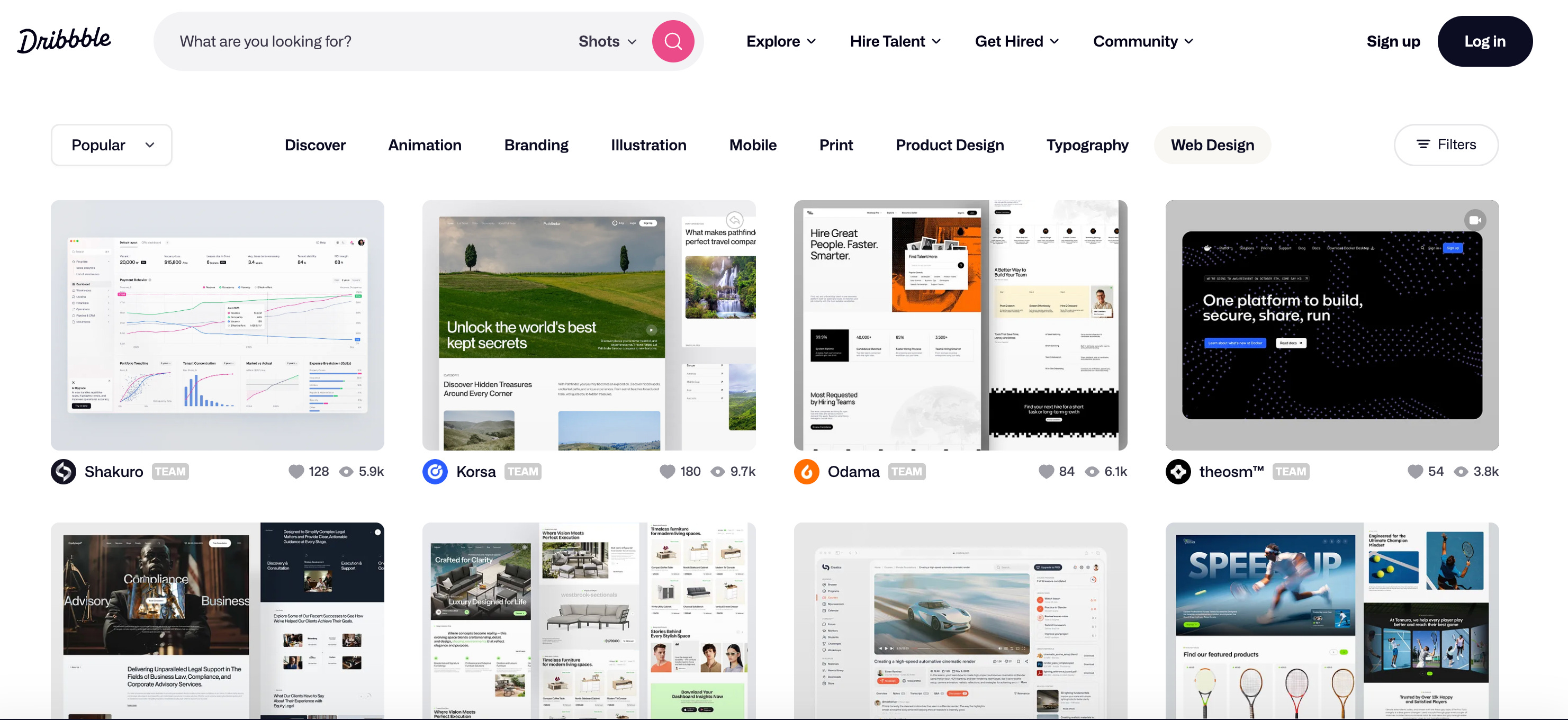
What to look for:
Overall layout and spacing
Color scheme
Typography style (clean and modern vs bold and playful)
How they handle the hero section
Screenshot or save the image. You’ll upload it directly to AI Studio.
💡 Tip: Pick a reference that matches your brand’s vibe. A newsletter landing page shouldn’t look like enterprise software.
🛠️ Step 4: Build in Google AI Studio
Now the fun part. Open aistudio.google.com and login with your gmail account.